Organize documents
Merge PDFs, split documents, reorder pages, remove pages, and rotate pages without uploading files.
Merge, Split, Reorder Pages, Remove Pages, Rotate
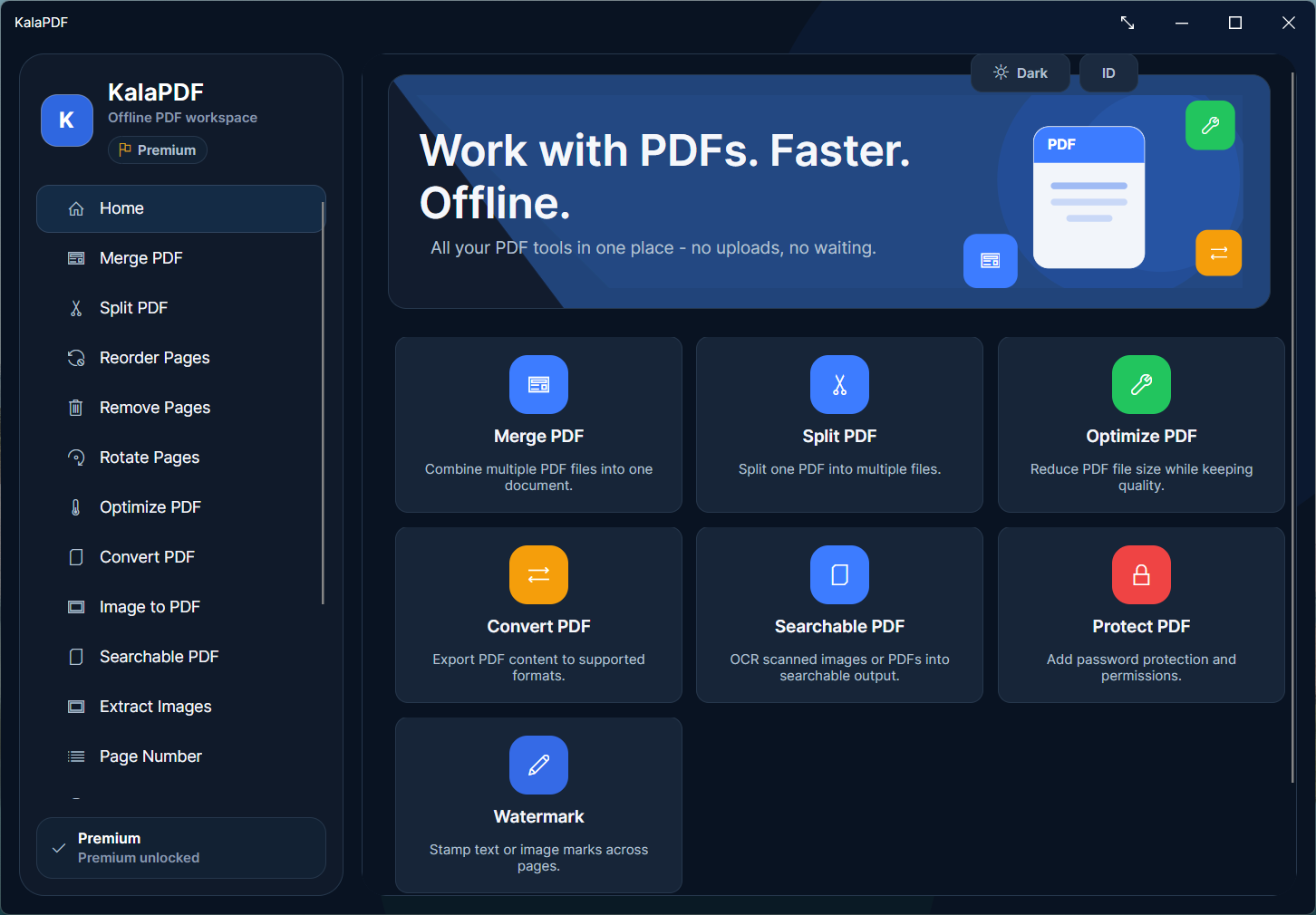
Kala PDF is a Windows desktop toolkit for merging, splitting, optimizing, converting, OCR, watermarking, protecting, and cleaning PDFs. Your files are processed locally on your device. Pro activation uses one brief online check; daily PDF work can continue offline.
Built for people who handle contracts, client files, invoices, internal records, and other documents that should stay off third-party upload forms.
PDF work runs on your Windows device.
Pro needs one online check, then daily use can continue offline.
All tools are available in Free with branding and limits.
Current public version: 3.0.0.
Most browser-based PDF tools require you to upload the document before you can merge, compress, convert, unlock, OCR, or edit it. That may be fine for disposable files. It is harder to justify for contracts, invoices, employee records, legal documents, client deliverables, and anything covered by internal data rules.
Even when an online tool is legitimate, uploading a file creates a data-transfer decision you may not want to make for routine PDF work.
Kala PDF runs on Windows and performs PDF operations on your own device. Merge files, split pages, optimize size, convert documents, run OCR, add page numbers, watermark, protect or unlock PDFs, and clean metadata without sending the document to a cloud PDF service.
Pro activation requires one online connection to verify the license. After activation, normal document processing can continue offline.
All 14 tools are available in Free so you can test them with your own files. Free output includes Kala PDF branding and tool-specific limits. Pro removes branding, unlocks higher limits, and allows professional and commercial use.
Merge PDFs, split documents, reorder pages, remove pages, and rotate pages without uploading files.
Convert PDF content, turn images into PDFs, create searchable PDFs with OCR, and extract embedded images.
Optimize file size, including stronger compression workflows for large PDFs, then add page numbers or watermarks for documents that need to be shared, archived, or delivered professionally.
Protect or unlock PDFs, inspect metadata, edit metadata, and strip metadata before sharing files.
The Free version is not a locked demo. It includes every Kala PDF tool so you can confirm the app works with your documents. Free is designed for evaluation and personal use, so output includes Kala PDF branding and each tool has practical limits. Pro is for finished work: clean output, higher limits, and professional and commercial usage rights.
Kala PDF is designed to reduce upload-related exposure, not to make unsupported legal guarantees.
PDF files are processed on your computer for merge, split, convert, OCR, optimize, watermark, security, and metadata tools.
Pro activation sends your product key and a device identifier to verify the license. Your PDF documents are not uploaded as part of activation.
Checkout is handled by Lemon Squeezy. Kala PDF itself remains a local Windows app for day-to-day document work.
Free lets you try every tool with branding and limits. Pro removes the branding, unlocks higher limits, and licenses Kala PDF for professional and commercial workflows.
Try every tool with your own files.
Clean output for professional PDF work.
Use code EARLYBIRD at checkout.
The key purchase and activation details, before you install or upgrade.
No. Kala PDF processes PDF files locally on your Windows device. Your documents are not uploaded to Kala Suite servers for merging, splitting, conversion, OCR, optimization, watermarking, security, or metadata tools.
Yes for day-to-day PDF processing. The app is offline-first and the tools run locally. Pro activation requires one online connection to verify your product key. After activation, normal PDF work can continue offline.
Free includes all 14 tools for evaluation and personal use, with Kala PDF branding on output and tool-specific limits. Pro removes branding, unlocks higher limits, and allows professional and commercial use.
The Free version is designed for evaluation and personal use. The footer marks output created with Free. Activating Pro removes that branding from future output.
After checkout, you receive a product key by email. Open Kala PDF, go to Activation, enter the key, and activate once online. The app stores your Pro status locally for that device.
Activation sends your product key and a device identifier so the license can be verified and bound to the device. Your PDF files are not sent during activation.
Contact support with your order details. We can help reset activation so you can reactivate on the updated device.
Kala PDF is currently built for Windows.
Email support@kalasuite.com with your order ID, product key question, or activation issue.
Current public version: 3.0.0. The latest release includes the 14-tool Windows PDF toolkit, searchable PDF OCR, and the Free and Pro model used across the site and app.
Download Kala PDF for Windows, test every tool in Free, and upgrade to Pro when you need clean, higher-limit output for professional work.